Search experience optimization: SEO and user experience together
Search experience optimization, or SXO, joins search visibility with the experience a visitor has after they click. A page can rank well and still fail if it loads slowly, hides the answer or makes the next step unclear. SXO fixes both sides, so visitors from search find what they need and take the action you want.
Matching the page to the search intent
Every search has an intent: learn, compare, buy or contact. The page should match that intent from the first screen. A comparison search needs a comparison, a buying search needs prices or next steps, and a how-to search needs clear steps. We review the top queries for each page and adjust the layout to match.
Speed, layout and mobile
Most search visits happen on phones. Pages need fast loading, stable layouts and buttons that are easy to tap. Check your key pages with the WordPress speed checker, and read the Core Web Vitals guide to understand what each measure means for visitors.
Clear paths to enquiry or purchase
Each page should show a clear next step, such as a call, a booking or a product page. Forms should be short, with labels that explain what is needed. Our ecommerce SEO and SEO services pages show how these paths are planned for stores and service businesses.
Measuring the experience
We track clicks from search, engagement on key pages, form completions and orders. We compare the results before and after each change, so you can see which improvements helped visitors act. Monthly reports explain the findings in plain language.
Start with an SXO review
Book a free audit to see where your pages lose visitors after the click, or contact our team to plan the work.
Common reasons visitors leave after the click
Visitors often leave a page that loads slowly, hides the answer below long introductions, uses small text on phones, or asks for too much information in a form. Each of these problems can be measured and fixed. We start with the pages that receive the most search visits, because small improvements there have the biggest effect.
We also check whether the page matches what the search promised. If a visitor searched for a comparison and found a sales page, they will leave, even if the page ranks well.
Testing and improving the experience
We test changes against real behaviour where possible, comparing the page before and after a change. Speed, layout and form changes are logged, so you can see which improvements helped people act. This approach keeps the work grounded in evidence rather than opinion.
Designing for the first screen
On a phone, the first screen decides whether a visitor stays. Show the answer or the offer, a clear action and enough context to trust the page. Remove anything that pushes the answer far down the screen, such as large banners or pop-ups that block reading.
Test the first screen with real content, not placeholder text. The page should work with the words your customers expect to see.
Reading the path from search to action
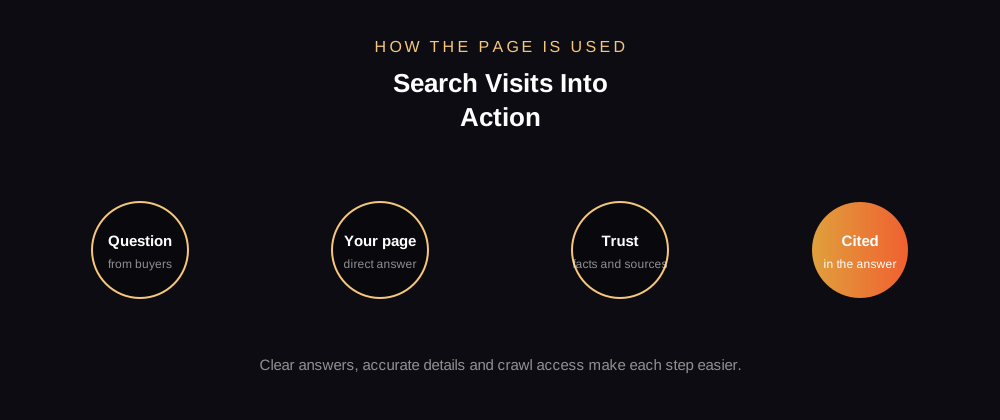
Map the journey for your top search queries. Start with the query, note the landing page, then list every step the visitor takes before the goal, such as a call, a booking or a purchase. Each step is a place where people can drop out, and each one can be improved.
Share the map with your team, so everyone understands which parts of the journey they influence, from content and design to the form and follow-up email.
Keeping the experience fast over time
Speed and layout can slip as new scripts, apps and images are added. Re-test your key pages every month, and remove anything that no longer earns its place. A steady routine protects the experience that search visitors rely on.