

source on Google
Table of Contents
Figma to Shopify conversion is the process of taking a Figma design file and turning it into a fully functional, live Shopify store. Done correctly, the result is a store that looks exactly like the design, loads fast on mobile, and converts visitors into customers. Done incorrectly, it produces a store that breaks on smaller screens, misses interactive states, and frustrates both the client and the developer.
This guide covers everything you need to know about the figma to shopify process in 2026: the four main conversion methods, a seven-phase development process, the tools professionals use, what it costs in India, and the mistakes that add weeks to a project and thousands to the budget.
Why Figma to Shopify Is More Complex Than It Looks
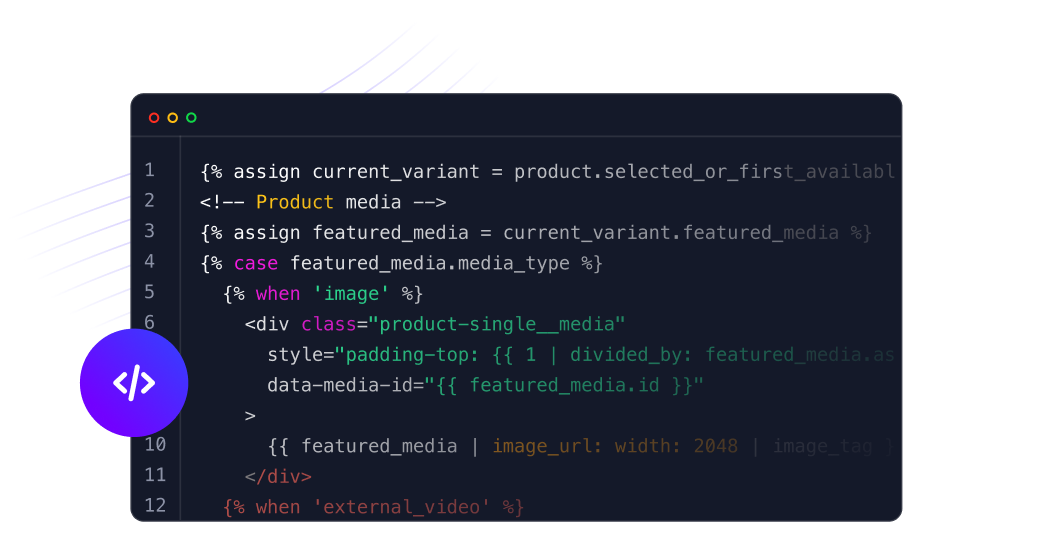
The core challenge with any figma to shopify project is that Figma is static and Shopify is dynamic. A designer creates fixed layouts with perfect content, specific image sizes, and exact text lengths. A Shopify store must handle variable product descriptions, different image dimensions, an empty cart, a cart with 20 items, product pages with 2 variants and pages with 50 variants.
Every figma to shopify build is essentially an exercise in turning a beautiful but rigid design into a flexible system that handles real-world content without breaking. This is why experienced Shopify developers approach figma to shopify projects as systems builds, not visual copying exercises.
4 Methods to Convert Figma to Shopify (2026)
There is no single way to complete a figma to shopify conversion. The right method depends on your budget, timeline, required design accuracy, and technical complexity. Here are the four approaches used in 2026:
| Method | Timeline | Cost (USD) | Design Match | Best For |
|---|---|---|---|---|
| Theme Customization | 3 to 5 weeks | $5K to $15K | 70 to 80% | Simple stores, tight budgets |
| Custom Sections + Theme | 5 to 8 weeks | $15K to $30K | 85 to 90% | Brand-focused D2C stores |
| Full Custom Theme | 8 to 12 weeks | $30K to $60K | 95%+ | Complex, high-conversion builds |
| Headless Commerce | 12 to 20 weeks | $50K to $150K+ | 100% | Enterprise, performance-critical |
Method 1: Theme Customization (Most Affordable Figma to Shopify Approach)
CrestVox Studio
Looking for a Shopify Expert in India?
We build high-converting Shopify stores for brands in India and globally. Custom themes, cart optimization, checkout extensibility, and speed fixes handled end to end. No templates. No shortcuts.
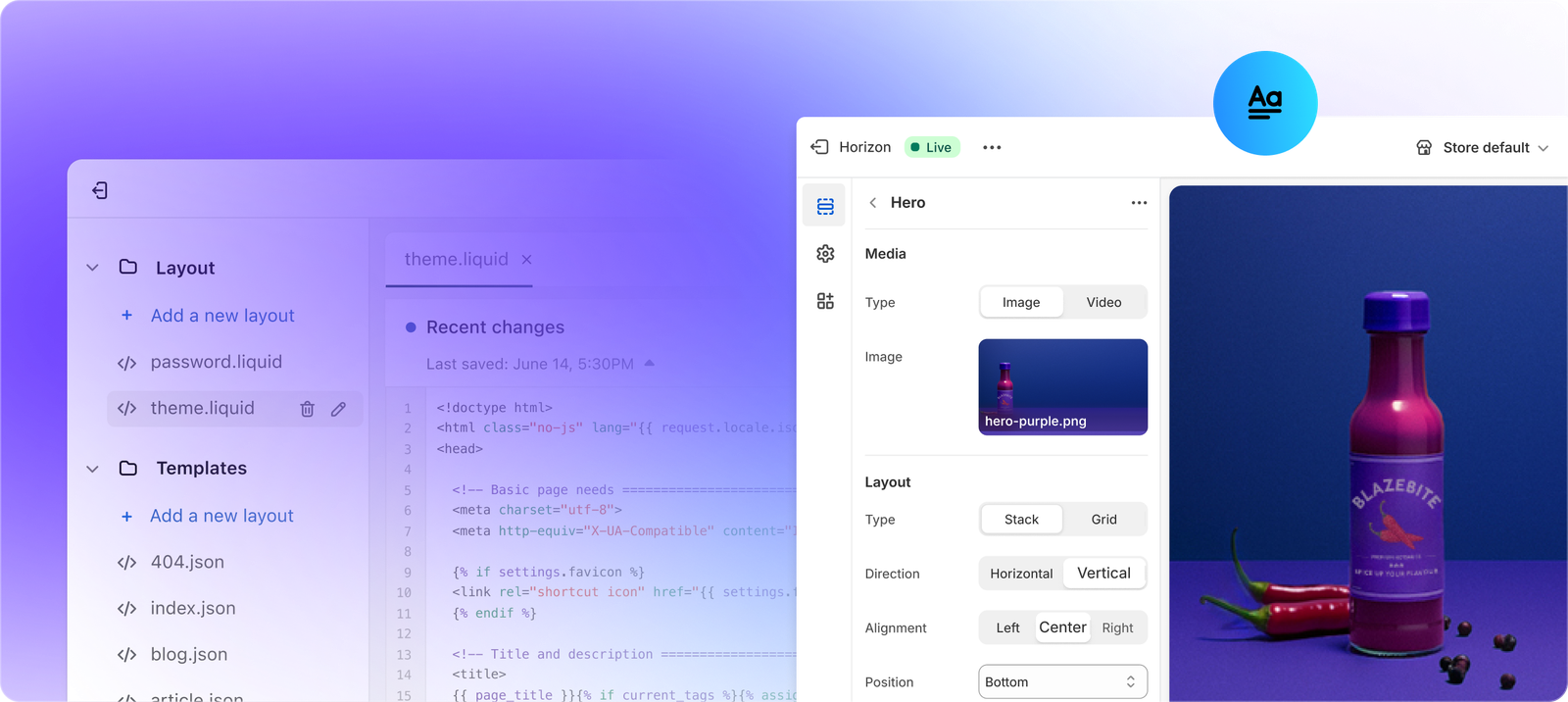
This method uses an existing Shopify theme as the foundation and customizes it using the Shopify theme editor, CSS overrides, and Liquid template edits to match the Figma design as closely as possible. It achieves 70 to 80 percent design fidelity in 3 to 5 weeks. This is the most common figma to shopify approach for brands with budgets under Rs 1,50,000 and designs that do not require heavily custom layouts.
Method 2: Custom Sections Plus Theme
This approach builds custom Liquid sections for the unique parts of the design (homepage hero, featured collections, testimonials, announcement bars) while using a standard theme for the rest of the store (product pages, cart, account). The result is 85 to 90 percent design fidelity and a more maintainable codebase. Most professional figma to shopify projects for D2C brands fall into this category.
Method 3: Full Custom Theme (Closest to the Design)
A full custom Shopify theme is built from scratch using Shopify CLI, the Dawn base theme as a starting point, and completely custom Liquid templates for every page. This is the most expensive figma to shopify approach but delivers 95 percent or higher design fidelity. Used for high-conversion, brand-critical builds where every pixel matches the Figma file.
Method 4: Headless Commerce (100% Design Fidelity)
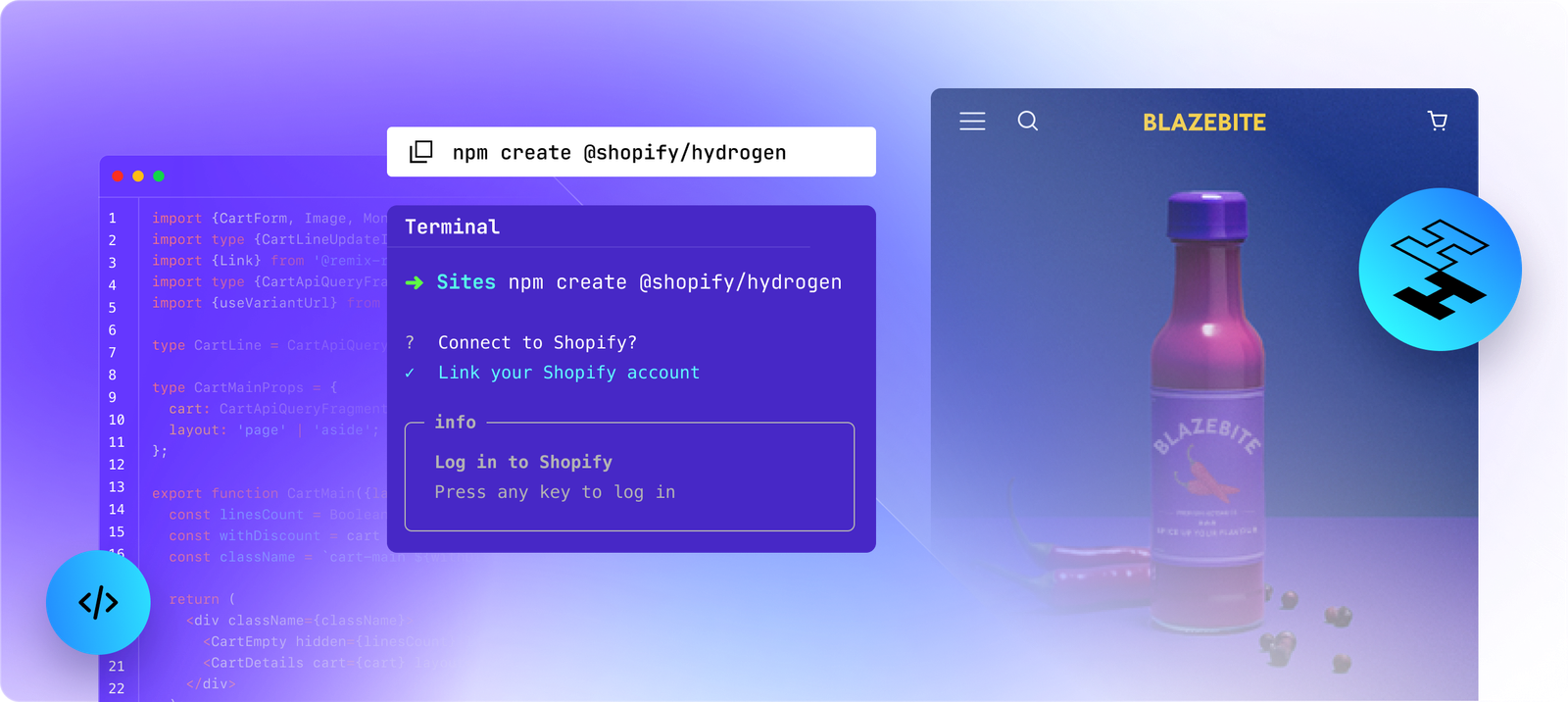
Headless decouples the Shopify backend (products, cart, checkout) from the frontend (what the customer sees). The frontend is built in React or Next.js, the design is implemented with complete freedom, and Shopify APIs handle commerce logic. This figma to shopify method achieves 100 percent design fidelity but is the most expensive and complex approach. Reserved for enterprise brands with Rs 5,00,000+ budgets and specific performance requirements.
The 7-Phase Figma to Shopify Development Process
Professional figma to shopify projects follow a structured seven-phase process. Understanding this process helps you set the right expectations with your developer and avoid the most common delays.
Phase 1: Design Audit (Week 1)
Before writing a single line of code, an experienced figma to shopify developer audits the design file. This audit identifies missing mobile layouts (over 70 percent of ecommerce traffic in India is mobile), missing interactive states like hover, loading, error, and empty states, and Shopify technical constraints that the design may have overlooked. Custom checkout designs, for example, require Shopify Plus at Rs 1,65,000 per month and are flagged here before any work begins.
Phase 2: Component Breakdown (Week 1)
The Figma file is decomposed into reusable Shopify sections and blocks. Each Figma layer is mapped to its corresponding Liquid component. This figma to shopify mapping step determines the build architecture and directly impacts how maintainable the final theme will be.
Phase 3: Style System Setup (Weeks 1 to 2)
Typography scales, color palettes, spacing systems, and CSS custom properties are established. Consistent use of a 4px, 8px, 16px spacing grid at this stage prevents accumulation of small inconsistencies throughout the figma to shopify build.
Phase 4: Template Development (Weeks 2 to 8)
The actual figma to shopify build happens here. Priority order: homepage, collection pages, product pages, cart and checkout. Secondary pages such as search, accounts, and 404 are built after the core commerce pages are complete and tested.
Phase 5: Responsiveness (Throughout)
Every figma to shopify template is tested at three breakpoints: 425px mobile, 768px tablet, and full desktop. Mobile-first implementation is non-negotiable for Indian ecommerce where a majority of traffic comes from Android devices on 4G connections.
Phase 6: Testing and QA (Weeks 9 to 10)
The completed figma to shopify build is tested visually against the original Figma file, functionally tested for cart, checkout, and form flows, and performance tested targeting under 2 seconds load time on mobile. Browser compatibility is checked across Chrome, Safari, Firefox, and Samsung Internet.
Phase 7: Launch and Handoff
The completed figma to shopify theme is deployed to the live Shopify store, documentation is provided for merchant self-management, and a 30-day support period covers post-launch issues. A proper handoff ensures the store owner can update products, content, and basic settings without developer dependency.
Best Tools for Figma to Shopify Conversion in 2026
These are the tools professional developers and designers use in figma to shopify projects in 2026:
| Tool | Purpose | Cost | Best For |
|---|---|---|---|
| Figma Dev Mode | CSS, spacing, asset export | Free with Figma | All projects |
| Instant (Plugin) | One-click Figma to Shopify sections | Free to install | Quick section builds |
| Locofy | Figma to HTML/CSS/React | Paid plans | Headless Shopify |
| Anima | Figma to HTML/CSS code | Paid plans | Dev handoff |
| Replo | Drag-drop Shopify page builder | From $99/month | Landing pages |
| Foxify | Figma to Shopify sections | Paid plans | Section-based builds |
Important note on plugin-based figma to shopify tools: Plugins like Instant and Foxify work well for simple section-based pages and landing pages. For a full Shopify store with custom product pages, collection filters, cart drawers, and India-specific integrations, manual Liquid development delivers a far more reliable and maintainable result.
Figma to Shopify Cost in India (2026)
India-based developers and agencies offer figma to shopify services at significantly lower rates than US or UK counterparts. Here is the current India market pricing:
| Method | India Cost (INR) | Timeline |
|---|---|---|
| Theme Customization | Rs 40,000 to Rs 1,20,000 | 2 to 4 weeks |
| Custom Sections + Theme | Rs 1,20,000 to Rs 2,50,000 | 4 to 7 weeks |
| Full Custom Theme | Rs 2,50,000 to Rs 5,00,000 | 7 to 12 weeks |
| Headless Commerce | Rs 5,00,000 to Rs 15,00,000+ | 12 to 20 weeks |
For context, the same figma to shopify full custom theme build costs $30,000 to $60,000 (approximately Rs 25,00,000 to Rs 50,00,000) with a US agency. Indian agencies deliver comparable quality at Rs 2,50,000 to Rs 5,00,000 for the same scope.
The key question when evaluating figma to shopify cost in India is not who charges the least but who has done similar projects successfully. Ask to see live stores built from Figma files, check Lighthouse scores, and review mobile performance before committing to any developer or agency.
How to Prepare Your Figma File for a Smoother Shopify Build
A well-organized Figma file is the single biggest factor in how smoothly a figma to shopify project runs. A disorganized design file leads to developer confusion, additional back-and-forth, scope creep, and higher cost. Here is what to do before handing off your file:
- Name all layers properly – unlabelled layers like Frame 1247 inside Frame 892 add hours to the figma to shopify build
- Include mobile layouts – every page in the Figma file needs a mobile version before the figma to shopify build starts
- Show all interactive states – hover states, empty cart, error messages, loading spinners, and sold-out product states
- Use a spacing grid – 4px, 8px, 16px, 32px increments translate cleanly to CSS and keep the figma to shopify build consistent
- Use only web-safe fonts or Google Fonts – custom licensed fonts require additional setup and sometimes licensing fees in the final Shopify store
- Demonstrate content variability – show product titles at 30 characters and 90 characters, images in portrait and landscape, so the developer can build a layout that handles both
Common Figma to Shopify Mistakes That Blow Timelines and Budgets
These are the most common mistakes that turn a 6-week figma to shopify project into a 14-week one:
| Mistake | Impact | Fix |
|---|---|---|
| No mobile design in Figma file | Poor mobile experience (70%+ of traffic) | Design mobile-first before desktop |
| Unlabelled Figma layers | Developer confusion, extra cost, delays | Name all layers before handoff |
| Custom checkout design | Requires Shopify Plus at Rs 1,65,000+/month | Use standard checkout or upgrade |
| Overlapping layers | Incompatible with Shopify section architecture | Design in flat section-based layout |
| No hover or empty states | Broken UI in the real store | Include all interactive states in Figma |
| Autoplay video backgrounds | Mobile performance killer | Use static image fallback on mobile |
DIY vs Hiring a Developer for Figma to Shopify
Should you attempt the figma to shopify build yourself or hire a developer? Here is an honest framework:
Do the Figma to Shopify Build Yourself If:
- Your design is simple with a standard layout (no complex animations or custom sections)
- You are comfortable with basic HTML and CSS
- Your timeline is flexible and you have 4 to 8 weeks to learn Shopify Liquid basics
- You are using theme customization only, not building a custom figma to shopify theme from scratch
Hire a Developer for Figma to Shopify If:
- Your Figma design has complex sections, custom animations, or India-specific integrations (Razorpay, Shiprocket, WhatsApp)
- You have a firm launch deadline
- Your conversion rate matters and you need mobile-optimized performance from day one
- You are building a full custom figma to shopify theme rather than customizing an existing one
Figma to Shopify FAQ
Can you convert Figma to Shopify for free?
Yes, partially. Plugins like Instant and Foxify offer free tiers for basic figma to shopify section conversions. However, a complete figma to shopify store build including all pages, India integrations, and mobile optimization requires either developer time or paid tool subscriptions. Free plugin approaches work for single sections or landing pages, not full stores.
How long does Figma to Shopify conversion take?
A figma to shopify project takes 3 to 5 weeks for theme customization, 5 to 8 weeks for custom sections plus a base theme, 8 to 12 weeks for a full custom Shopify theme, and 12 to 20 weeks for a headless Shopify build. Timelines extend when the Figma file is disorganized, mobile layouts are missing, or scope changes after development starts.
How much does Figma to Shopify cost in India?
Figma to shopify cost in India ranges from Rs 40,000 to Rs 1,20,000 for theme customization, Rs 1,20,000 to Rs 2,50,000 for custom sections plus a base theme, and Rs 2,50,000 to Rs 5,00,000 for a full custom Shopify theme. Headless figma to shopify builds cost Rs 5,00,000 to Rs 15,00,000 or more depending on complexity.
What is the best tool for Figma to Shopify conversion?
For quick section builds, the Instant plugin for figma to shopify conversion is the most reliable free option. For professional full-store builds, Figma Dev Mode combined with manual Liquid development delivers the most accurate and maintainable result. Plugin-based figma to shopify tools are faster but less flexible for complex layouts.
Does Figma to Shopify support mobile layouts?
Yes. In a proper figma to shopify build, every template is tested at mobile (425px), tablet (768px), and desktop breakpoints. However, mobile layouts must be included in the Figma file before the build starts. Developers cannot assume mobile behaviour from a desktop-only Figma design. Always include both layouts in your figma to shopify handoff file.
Can Figma to Shopify plugins replace a developer?
For simple pages and sections, yes. For a complete figma to shopify store with custom product pages, collection filters, cart drawers, India payment integrations, and performance optimization, no. Plugins produce usable output for standard sections but struggle with complex interactions, dynamic Shopify data, and mobile performance optimization that a full figma to shopify build requires.
What is Shopify Liquid and why is it important for Figma to Shopify?
Liquid is Shopify’s templating language. It is what connects your Figma design to real Shopify data, products, collections, cart, customer accounts. Every figma to shopify custom build is written in Liquid combined with HTML, CSS, and JavaScript. Understanding that Liquid is dynamic (it pulls live store data) while Figma is static (it shows fixed content) is fundamental to understanding why figma to shopify projects are more complex than they first appear.
Final Word on Figma to Shopify Conversion in 2026
A figma to shopify project done right produces a store that is pixel-accurate on desktop, fast on mobile, and built to scale. A figma to shopify project done wrong produces a store that breaks on smaller screens, loads slowly, and requires constant developer intervention to maintain.
The difference between the two outcomes is almost always the preparation stage: a well-organized Figma file, a developer who audits before building, and a clear scope agreed on before a single line of Liquid code is written.
If you have a Figma design ready and want a quote for a figma to shopify build in India with full Razorpay, Shiprocket, and GST integration, request a free audit from CrestVox. We review your design file, identify technical challenges, and give you a realistic timeline and cost before any work begins.
Sources: ScaleFront Figma to Shopify Guide, Meetanshi Figma to Shopify. Cost data reflects India market rates as of mid-2026.