

source on Google
Internal linking connects the pages on your own website. It helps visitors move to the next useful page, and it shows search engines which pages matter most. Many small service sites have a homepage, a few service pages and a blog, with almost no links between them. This guide sets out a simple internal linking structure that suits most service businesses.
Why internal linking matters
A link passes a signal about the page it points to, using the words in the link. Visitors also follow these links to keep reading, which makes the site more useful. A page with no internal links is hard for people and search engines to reach, even if it appears in the sitemap.
Google’s guide on crawlable links explains why plain, followable links matter for discovery.
A hub and spoke structure for internal linking
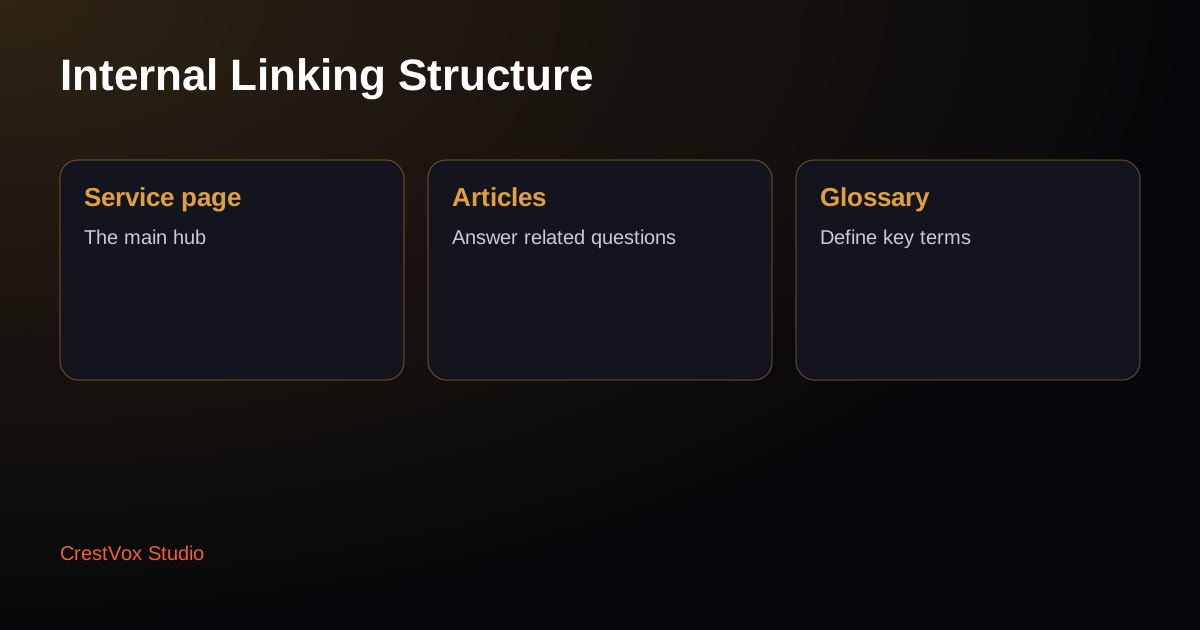
A workable pattern has three layers:
- A main service page that explains the service in full.
- Supporting articles that answer related questions, such as cost, timelines and how to choose a provider.
- Glossary pages for key terms that link back to the service pages where they apply.
Each article links to the main service page, and the service page links to its most relevant articles. Every page then has a clear reason to exist.
Write link text that describes the destination
Link text should tell the reader what they will find. “Read our WordPress speed guide” is better than “click here”. Keep links natural, and do not repeat the same keyword in every link. One or two good links in a paragraph usually work best.
Link from the content, not only the menu
Menus and footers repeat on every page, so they carry less weight. Links inside the body, placed where they help the reader, carry more meaning. When you write an article, look for two or three places where a link to an existing page would help.
Find and fix orphan pages
An orphan page has no internal links pointing to it. You can find them by comparing your sitemap with a site crawl. Orphans are often old landing pages or tool pages that were published and then forgotten.
For each orphan, either link to it from one relevant page, or merge its content into a stronger page and redirect the old address.
Check broken and redirected links
A broken link returns an error, which wastes the visitor’s time. A link to a redirected page adds a step and slows the visit. Check your main pages every few months, and point links straight to the final address.
A starting plan for internal linking this month
- List your main service pages and the three articles that support each one.
- Link each article to its service page with descriptive link text.
- Link each service page to its two most relevant articles.
- Link key terms in your articles to the matching glossary pages.
- Find orphan pages and either link to them or merge them.
Our free website audit reviews how your pages connect as part of the check.
Mistakes to avoid with internal linking
Stuffing the same keyword into every internal link looks unnatural to readers and can weaken the page. Linking to pages that redirect or return errors wastes visits. Adding dozens of links to one page can dilute each one, so keep the links that genuinely help.
A simple rule works well: link only when the reader would want to go to that page next.
Review internal linking every quarter
Internal linking drifts as you publish. New articles appear, old pages get renamed and links break. A quarterly review keeps the structure intact. Check your key service pages, look for new orphans and fix any link that now leads to a redirect.
Frequently asked questions
What is internal linking?
Internal linking is the set of links between pages on your own website. Good internal links help visitors find related pages and help search engines understand which pages matter most.
How many internal links should a page have?
There is no fixed number. Add the links that genuinely help the reader, usually a few in the body of each article. Too many links dilute their value, so keep the most useful ones.
How do I find orphan pages?
Compare your sitemap with a site crawl, or check which pages are not linked from any other page. Link each orphan from one relevant page, or merge its content into a stronger page and redirect the old address.
Ready to plan your next step?
If you want a clear plan for your site, our team can review your current setup and suggest the next steps. Request a free proposal and we reply within 24 hours.