

source on Google
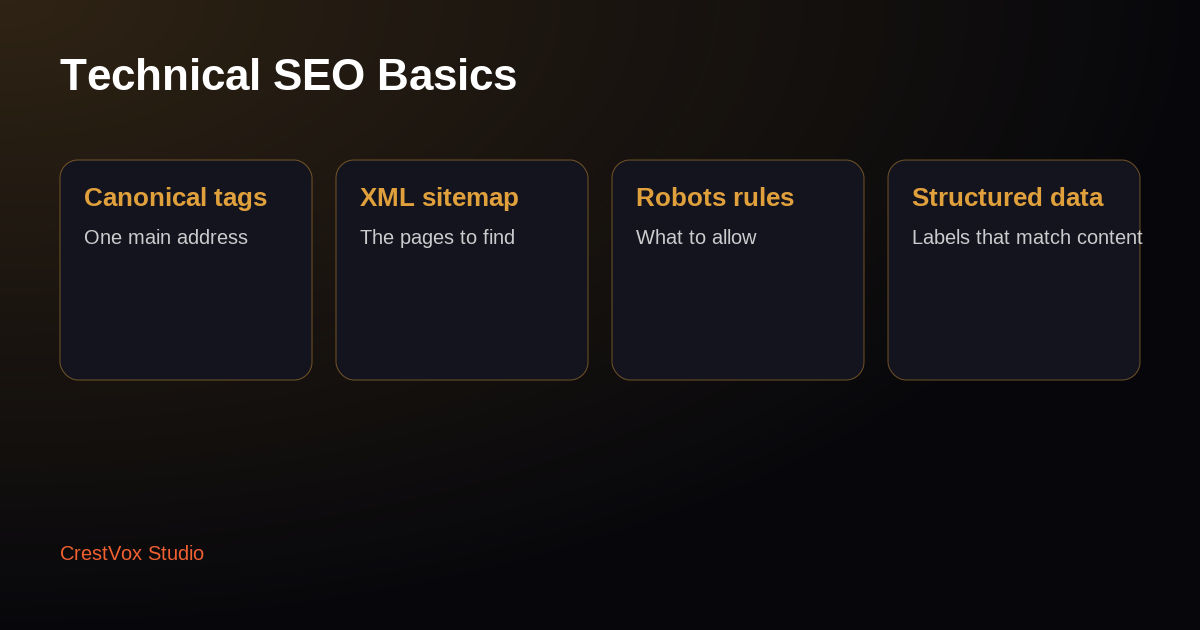
Technical SEO basics are the setup work behind a page that lets search engines find, understand and display it correctly. Most of it is done once, then checked after changes. This guide covers the foundations a new website needs: canonical tags, sitemaps, robots rules and structured data.
Canonical tags: one main address per page
A canonical tag tells search engines which address is the main version of a page. It matters when the same content can be reached at several addresses, for example with a tracking parameter or through a filtered category.
Google’s guide to canonicalisation explains how the signal is chosen. Our canonical tag glossary entry gives a short example.
XML sitemaps that list the right pages
An XML sitemap lists the pages you want found. It helps new sites get discovered and helps large sites track changes. Include only pages that should appear in search, and leave out login pages, cart pages, thank-you pages and internal search results.
The sitemap protocol sets out the file format. Submit the sitemap in Google Search Console and check the report after major changes. The XML sitemap glossary entry explains the basics.
Robots rules that do not block your site
The robots.txt file tells crawlers which parts of the site they may visit. A single line that blocks the whole site will remove your pages over time. Use robots rules to keep crawlers out of admin areas and internal search, and make sure main content stays allowed.
Google documents the rules in its robots.txt introduction. Also check each page for a noindex tag, which is correct for drafts and wrong for a service page you want found.
Structured data that matches visible content
Structured data describes a page in a standard format. The most useful types for a business site are Organization or LocalBusiness, Service, Article and FAQPage. Mark up only what is visible on the page, and validate it before you publish.
Google’s structured data introduction lists which types it supports.
Titles and descriptions for each page
Each page needs a unique title and meta description that describe its real content. A title that tells a visitor exactly what they will find usually earns more clicks than a clever one.
Check your technical SEO basics in an afternoon
- Open your sitemap and confirm it lists the right pages.
- Open robots.txt and confirm main pages are not blocked.
- Pick five key pages and confirm each has one canonical address.
- Check Search Console for indexing and sitemap errors.
- Validate structured data on your homepage and one service page.
If you are building a new site, these basics are part of our WordPress development service, so they are in place before launch.
Mistakes that break technical SEO basics
The most damaging mistake is a leftover noindex tag after launch, which removes a page from search even though it looks live. A close second is a sitemap that lists redirected or missing addresses. Each one is quick to check and quick to fix.
Conflicting canonical tags are also common. If a page points to a different address than the one you submit, search engines may ignore your intended version. Check each key page after every redesign.
Keep technical SEO basics current after changes
Technical SEO basics need checking whenever the site changes: a new theme, a new plugin, a migration or a new URL structure. Add a short review to your launch checklist, and repeat it after each major update so problems are caught early.
Frequently asked questions
What are the most important technical SEO basics for a new site?
The core basics are one canonical address per page, an accurate XML sitemap, a robots.txt file that does not block key pages, and structured data that matches visible content.
How do I check technical SEO basics without special tools?
Open your sitemap and robots.txt in a browser, check the page source for a canonical tag, and review Search Console for indexing and sitemap errors. Google Search Console is free to use.
When should I review technical SEO basics?
Review them after every launch, redesign, migration or major plugin change. A short checklist after each change catches problems before they affect search visibility.
Ready to plan your next step?
If you want a clear plan for your site, our team can review your current setup and suggest the next steps. Request a free proposal and we reply within 24 hours.