

source on Google
Shopify checkout extensibility is Shopify’s framework for customizing the checkout experience using official, upgrade-safe APIs rather than direct Liquid template editing. Shopify checkout extensibility replaces the old checkout.liquid approach (deprecated August 2024 for Shopify Plus) with a system of sandboxed UI extensions, function extensions, and branding settings that work on all Shopify plans and remain compatible with all future Shopify updates.
If you are a Shopify developer or merchant who needs to customize the checkout, understanding Shopify checkout extensibility is now essential. This guide explains the full framework: what you can build, what you cannot change, how to migrate from checkout.liquid, and what Shopify checkout extensibility development costs in India in 2026.
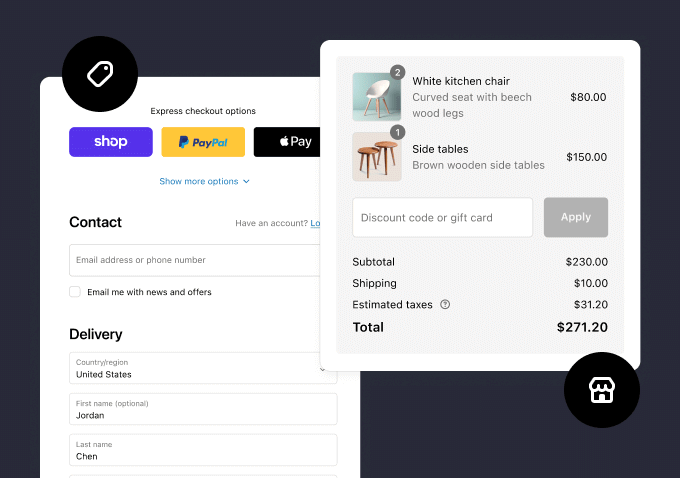
Why Shopify Built Checkout Extensibility
The old checkout.liquid system let Shopify Plus merchants edit the checkout’s HTML and CSS directly. This worked but created two major problems. First, every time Shopify updated the checkout, merchants with custom code had to manually update their checkout.liquid to stay compatible. Second, custom code in checkout.liquid could introduce security vulnerabilities in the payment flow, creating PCI compliance risks.
Shopify checkout extensibility solves both problems by sandboxing all customizations into isolated extensions that have no access to the core checkout logic. Shopify maintains the core checkout, merchants add their customizations on top via the Shopify checkout extensibility API, and both can update independently without breaking each other.
What You Can Build with Shopify Checkout Extensibility
Shopify checkout extensibility supports several types of extensions, each targeting a different part of the checkout experience:
| Extension Type | What It Does | Plan Required |
|---|---|---|
| Checkout UI Extension | Add custom UI blocks to checkout steps (information, shipping, payment) | Basic and above |
| Post-Purchase Extension | Show upsell or survey page immediately after payment | Basic and above |
| Order Status Extension | Customize the order confirmation page | Basic and above |
| Cart Transform | Modify cart contents server-side before checkout (bundling, discounts) | Basic and above |
| Delivery Customization | Show, hide, or rename shipping methods based on cart conditions | Basic and above |
| Payment Customization | Show, hide, or rename payment methods based on cart or customer conditions | Basic and above |
| Full Checkout Branding | Custom fonts, colors, logo, background image in checkout | Shopify Plus only |
The most commonly built Shopify checkout extensibility projects in India are: gift message fields (requested by most D2C brands), COD verification via phone OTP (reduces fake orders), delivery date selectors, trust badge strips on the payment step, and post-purchase upsell offers. All of these are now possible without Shopify Plus using Shopify checkout extensibility on the Basic or Shopify plan.
Shopify Checkout Extensibility vs checkout.liquid
CrestVox Studio
Looking for a Shopify Expert in India?
We build high-converting Shopify stores for brands in India and globally. Custom themes, cart optimization, checkout extensibility, and speed fixes handled end to end. No templates. No shortcuts.
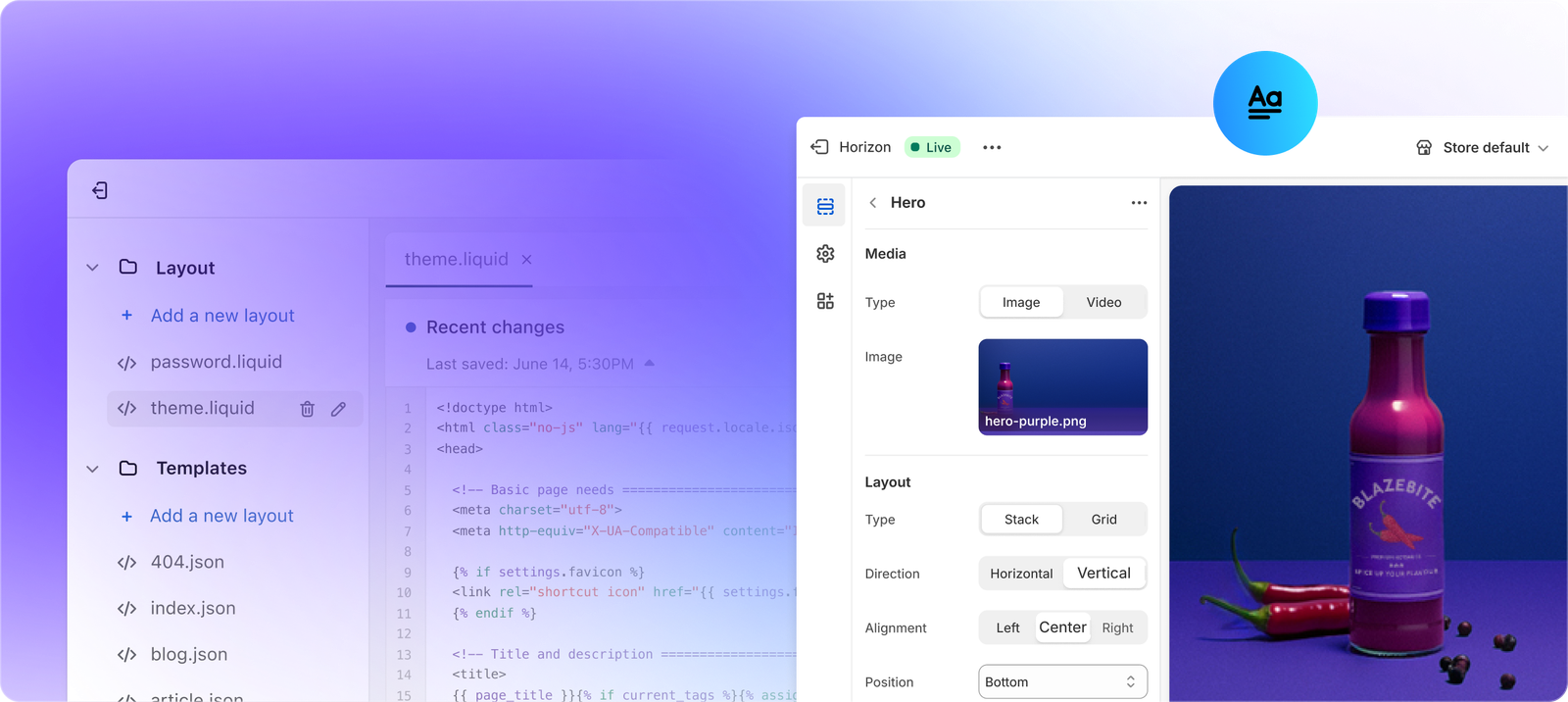
If you are an existing Shopify Plus merchant who built custom checkout functionality using checkout.liquid before August 2024, you are required to migrate to Shopify checkout extensibility. Here is a full comparison to understand what changes:
| Feature | checkout.liquid (Deprecated) | Shopify Checkout Extensibility |
|---|---|---|
| Availability | Shopify Plus only, deprecated August 2024 | All Shopify plans (basic features), Plus for branding |
| Customization method | Liquid + HTML/CSS full control | React-based UI extensions via API |
| Shopify compliance | Manual updates required for Shopify changes | Automatic, Shopify maintains core checkout |
| Security | Custom code could introduce vulnerabilities | Sandboxed extensions, no arbitrary code |
| Upgrade compatibility | Breaks on Shopify checkout updates | Remains compatible with all Shopify updates |
| PCI compliance | Merchant responsible for custom code | Shopify maintains PCI compliance |
The practical impact of moving to Shopify checkout extensibility for existing Plus merchants is significant. Some checkout.liquid customizations cannot be replicated in Shopify checkout extensibility because the new framework deliberately limits what extensions can access. If you had a checkout.liquid that made structural layout changes to the checkout steps, those exact changes may not be possible under Shopify checkout extensibility. Work with a Shopify developer to audit your existing checkout.liquid before planning your Shopify checkout extensibility migration.
How to Build a Shopify Checkout Extensibility UI Extension
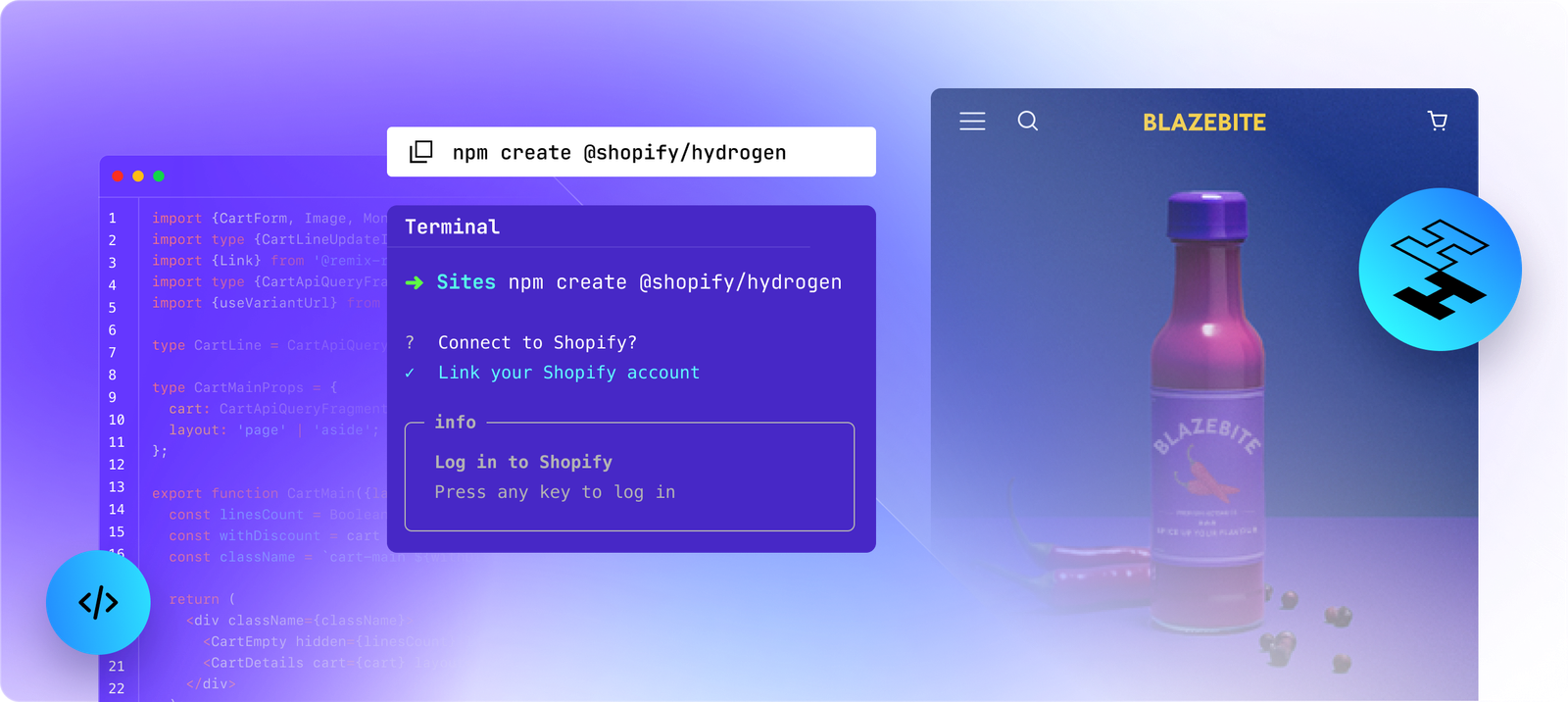
Shopify checkout extensibility UI extensions are built using React and the Shopify UI Extensions library. Here is the development workflow:
1. Set Up Shopify CLI
Shopify checkout extensibility development requires Shopify CLI 3.x. Install it with npm install -g @shopify/cli @shopify/theme. Create a new app with shopify app create or generate an extension within an existing Shopify app using shopify app generate extension and selecting Checkout UI as the extension type.
2. Choose Your Extension Target
Shopify checkout extensibility targets are the specific locations in the checkout where your extension renders. Common targets used in India Shopify checkout extensibility builds include: purchase.checkout.block.render (renders anywhere in checkout via Branding API), purchase.checkout.shipping-option-list.render-after (below shipping options), and purchase.thank-you.block.render (on the order confirmation page).
3. Build with UI Components
Shopify checkout extensibility provides a set of pre-built React components that match Shopify’s checkout design system: TextField, Checkbox, Select, Button, Banner, Divider, and more. You cannot inject arbitrary HTML or CSS into the checkout via Shopify checkout extensibility. All UI must use the provided component library to maintain checkout performance and PCI compliance.
4. Use Extension APIs
Shopify checkout extensibility extensions have access to checkout data via the useCartLines, useBuyerIdentity, useShippingAddress, and other hooks from @shopify/ui-extensions-react/checkout. You can read order information to build conditional logic (e.g., show a gift message field only if cart total exceeds Rs 999) but you cannot write to cart data directly. Cart modifications are handled via Cart Transform function extensions instead.
Shopify Checkout Extensibility for India: Key Use Cases
These are the most common Shopify checkout extensibility implementations requested by Indian D2C brands:
COD Verification with OTP
Fake COD orders are a major problem for Indian ecommerce. A Shopify checkout extensibility UI extension can add an OTP verification step when a customer selects Cash on Delivery as their payment method. The extension collects the mobile number, triggers an SMS OTP via an Indian SMS gateway (MSG91, 2Factor), and requires verification before the COD order is placed. This Shopify checkout extensibility use case reduces fake COD orders by 40 to 60 percent in most implementations.
Delivery Date Selector
A Shopify checkout extensibility extension can add a preferred delivery date picker to the shipping step. The selected date is stored as an order attribute and passed to the fulfillment system (Shiprocket, Delhivery) via the order API. This Shopify checkout extensibility feature is widely requested by grocery, perishable, and appointment-based product categories.
GST Invoice Input
B2B buyers on Indian Shopify stores need to enter their GSTIN to receive a tax invoice. A Shopify checkout extensibility UI extension can add a GSTIN field to the information step with real-time validation using a GSTIN format checker. The GSTIN is stored as an order note attribute and included in the invoice generated by your billing app.
Shopify Checkout Extensibility Cost in India (2026)
| Shopify Checkout Extensibility Project | India Cost | Timeline |
|---|---|---|
| Single UI extension (e.g. gift message field) | Rs 15,000 to Rs 35,000 | 1 to 2 weeks |
| Post-purchase upsell extension | Rs 25,000 to Rs 50,000 | 2 to 3 weeks |
| Delivery customization (COD logic, pincode check) | Rs 20,000 to Rs 45,000 | 1 to 2 weeks |
| Full checkout branding (Plus only) | Rs 30,000 to Rs 60,000 | 2 to 4 weeks |
| checkout.liquid migration to extensibility | Rs 40,000 to Rs 1,00,000 | 3 to 6 weeks |
Shopify Checkout Extensibility: Testing in a Development Store
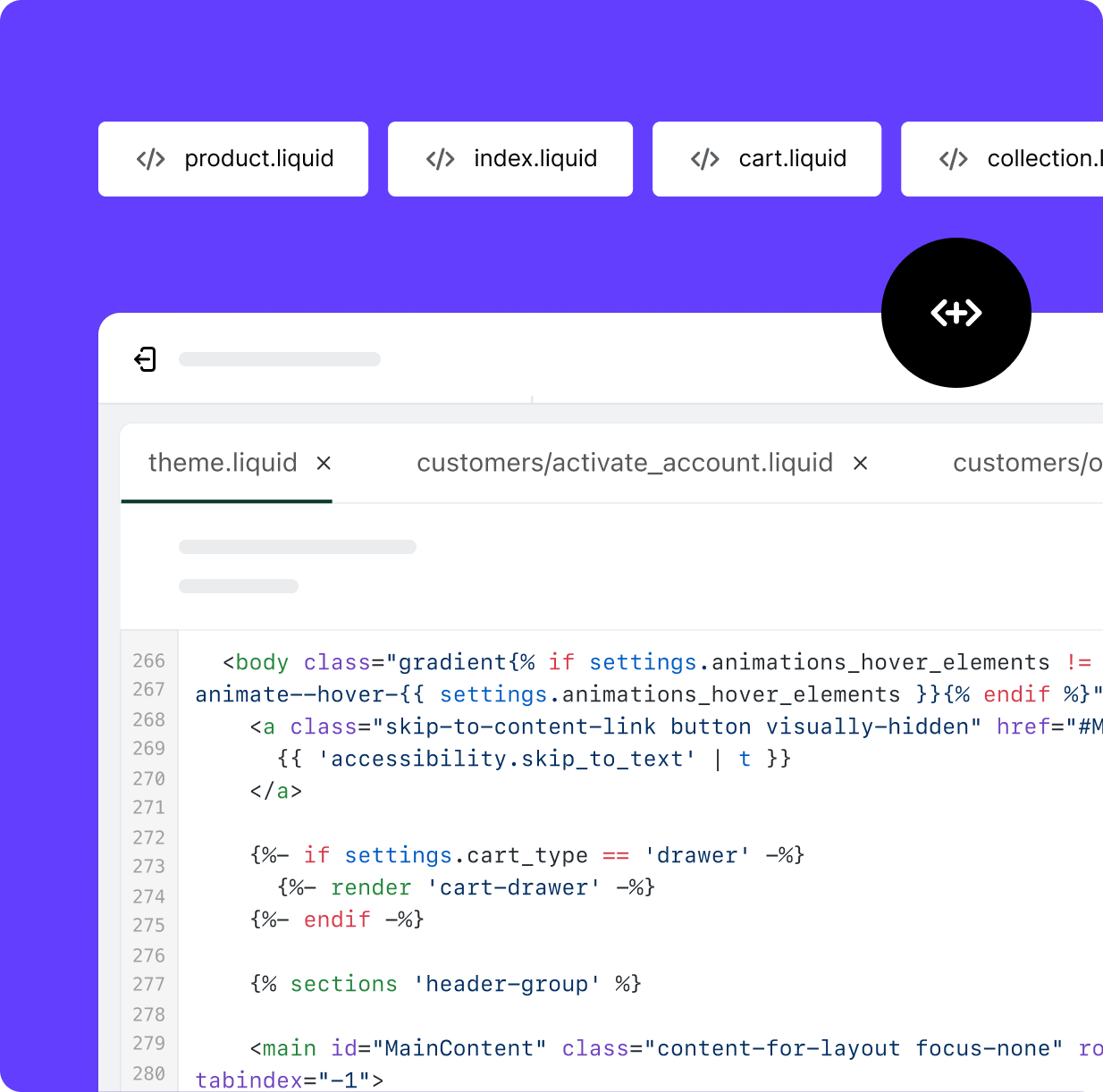
All Shopify checkout extensibility development and testing must be done in a Shopify development store, not in your live store. A development store gives you access to the Shopify checkout in test mode where you can place orders, trigger payment flows, and see your Shopify checkout extensibility extensions rendering at each checkout step without processing real payments. The Shopify CLI shopify app dev command starts a local development tunnel that connects your local Shopify checkout extensibility extension code to the development store in real time, allowing instant preview of changes.
For Shopify checkout extensibility testing in India, test with Indian-format addresses using PIN codes and state names in Indian standard format. Ensure your extension handles the Razorpay or PayU payment step correctly. Some Shopify checkout extensibility extensions that modify the payment step behave differently depending on which payment gateway is active. Always test your Shopify checkout extensibility implementation with the actual payment gateway your live store uses before deploying to production.
Shopify Checkout Extensibility App Review Requirements
If you are building a Shopify checkout extensibility extension for commercial sale on the Shopify App Store, your extension must pass Shopify app review. The Shopify checkout extensibility review checklist includes: no external API calls that could expose buyer data, no JavaScript execution outside the sandboxed extension context, compliance with Shopify UI extension component library requirements, and demonstrated compatibility with the latest checkout version. Private Shopify checkout extensibility apps installed only on your own store do not require App Store review but must still comply with the Shopify Partner Program Agreement.
Shopify Checkout FAQ
Is Shopify checkout extensibility available on all plans?
Most Shopify checkout extensibility features including UI extensions, post-purchase extensions, cart transform functions, and delivery/payment customizations are available on all Shopify plans including Basic. Full checkout branding (custom fonts, colors, background images) requires Shopify Plus. This is a major change from the old checkout.liquid system which required Shopify Plus for any checkout customization.
What happened to checkout.liquid?
Shopify deprecated checkout.liquid for existing Plus merchants in August 2024. If you are still running a custom checkout.liquid, you are on a grandfathered version that will eventually stop receiving Shopify’s security and feature updates. The correct path forward is migrating your checkout.liquid customizations to equivalent Shopify checkout extensibility implementations. Not all checkout.liquid customizations can be replicated exactly under Shopify checkout extensibility due to the sandboxed architecture.
Can I change the checkout layout with Shopify checkout extensibility?
No. Shopify checkout extensibility does not allow you to change the structural layout of the checkout: the order of steps, the position of payment methods, or the arrangement of the default form fields. You can add new UI blocks at specific target positions and customize visual branding (on Plus), but the core checkout structure is controlled by Shopify. This is intentional because Shopify continuously optimizes the core checkout layout for conversion based on global data across millions of stores.
Do I need a Shopify Partner account to build checkout extensibility extensions?
Yes. Shopify checkout extensibility extensions are built as Shopify apps and require a Shopify Partner account (free) and a development store for testing. If you are commissioning Shopify checkout extensibility development from an India-based developer or agency, they should have an active Shopify Partner account. The extension is then installed on your store as a private app or submitted to the Shopify App Store if it is being sold commercially.
Build Your Shopify Checkout Extensibility Project
Shopify checkout extensibility opens up checkout customization to all Shopify merchants, not just Plus, for the first time. The COD OTP verification, delivery date selector, and GST invoice input use cases alone represent a significant opportunity for Indian D2C brands to reduce fake orders, improve customer experience, and stay compliant.
If you need a Shopify checkout extensibility extension built for your store, request a free audit from CrestVox. We review your current checkout, identify the highest-ROI Shopify checkout extensibility opportunities, and provide a fixed-scope quote.
Sources: Shopify Developer Docs: Checkout Extensibility, Razorpay Developer Documentation. Extension types and plan requirements current as of July 2026.