

source on Google
A Shopify cart drawer is a slide-out panel that appears from the side of the screen when a customer adds a product to their cart, showing the cart contents without navigating away from the current page. A Shopify cart drawer keeps customers on the product or collection page rather than interrupting their browsing session with a full page redirect to the cart. The result is a smoother shopping experience and higher average order value (AOV) because customers continue browsing after adding to cart.
This guide covers everything about the Shopify cart drawer: how it works, how to add one to your store, how to customize it for your brand, how to add upsells and product recommendations inside the Shopify cart drawer, and when a custom-built Shopify cart drawer makes more sense than an app.
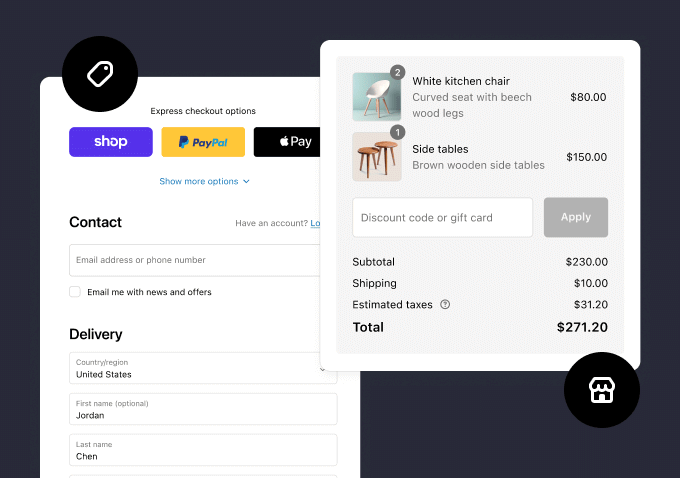
Shopify Cart Drawer vs Cart Page: Which Is Better?
The traditional Shopify cart page redirects the customer to a dedicated /cart URL every time they add an item. A Shopify cart drawer slides open over the current page without any redirect. For most ecommerce use cases, a Shopify cart drawer outperforms the cart page because:
- Customers stay on the product page and can continue browsing and adding more items
- The path from add-to-cart to checkout is shorter with a Shopify cart drawer (one tap instead of navigating to /cart then to checkout)
- Upsell and cross-sell opportunities inside the Shopify cart drawer are more effective because the customer is still in shopping mode, not yet in checkout mode
- Mobile users find the Shopify cart drawer more intuitive than navigating back from a full cart page
The cart page performs better in one specific scenario: high-consideration purchases (furniture, electronics, B2B orders) where customers want to review the full order before checking out. For most Indian D2C categories, food, beauty, fashion, accessories, and home goods, the Shopify cart drawer produces higher conversion rates.
How to Add a Shopify Cart Drawer to Your Store
There are three ways to add a Shopify cart drawer:
Method 1: Use a Theme with a Built-in Shopify Cart Drawer
CrestVox Studio
Looking for a Shopify Expert in India?
We build high-converting Shopify stores for brands in India and globally. Custom themes, cart optimization, checkout extensibility, and speed fixes handled end to end. No templates. No shortcuts.
Many modern Shopify themes including Dawn (free), Prestige, and Impulse include a Shopify cart drawer as a theme setting. In Dawn, you can enable the Shopify cart drawer by going to Customize > Theme settings > Cart and switching Cart type from Page to Drawer. This is the fastest way to add a Shopify cart drawer and requires zero code. The limitation is that built-in Shopify cart drawer implementations offer limited customization: you typically cannot add upsells, custom free shipping bars, or branded elements without modifying theme code.
Method 2: Install a Shopify Cart Drawer App
Apps give you a feature-rich Shopify cart drawer without custom development. These are the most popular Shopify cart drawer apps in 2026:
| App | Monthly Cost | Best Feature | Upsell Support |
|---|---|---|---|
| Slide Cart Drawer by AMP | Free to $19.99 | Free shipping bar, progress goal | Yes |
| Ajax Cart Drawer by Codeinero | Free to $14.99 | Highly customizable design | Yes |
| iCart Cart Drawer Upsell | Free to $19.99 | In-cart upsell and cross-sell | Yes (advanced) |
| CartBot | Free to $9.99 | Auto-add gift with purchase | Bundling only |
| Custom Development | Rs 30,000 to Rs 80,000 one-time | Full brand control, no monthly fee | Fully custom |
Method 3: Custom-Built Shopify Cart Drawer
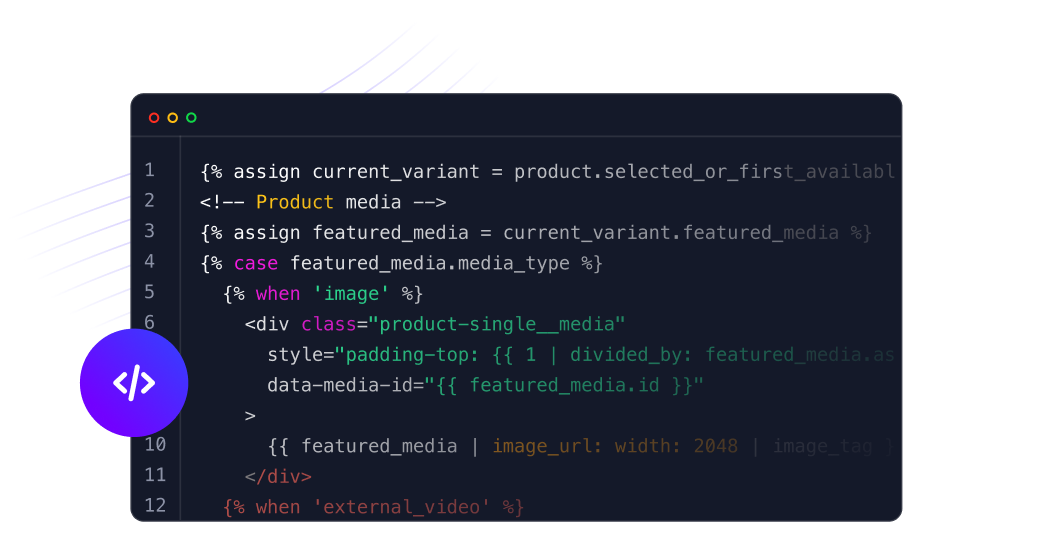
A custom-built Shopify cart drawer is coded directly into your theme’s Liquid files using Shopify’s AJAX Cart API. This approach gives you complete brand control, eliminates monthly app fees, and guarantees the Shopify cart drawer matches your design system exactly. A custom Shopify cart drawer typically costs Rs 30,000 to Rs 80,000 to build in India. This investment pays for itself within 6 to 12 months versus paying Rs 1,500 to Rs 2,000 per month for a cart drawer app.
What to Include in Your Shopify Cart Drawer
A high-converting Shopify cart drawer includes several specific elements beyond just showing the cart contents. Here is what each element does and its conversion impact:
| Cart Drawer Element | Purpose | Conversion Impact |
|---|---|---|
| Free shipping progress bar | Shows how close customer is to free shipping threshold | High: increases AOV by 10 to 20% |
| Product upsell block | Recommends frequently bought together items | Very High: increases AOV by 15 to 25% |
| Trust badges strip | Secure payment, free returns, fast dispatch | Medium: reduces cart abandonment |
| Quantity updater | Plus/minus stepper instead of text input | Medium: reduces input errors on mobile |
| Checkout button (sticky) | Always visible at bottom of cart drawer | High: reduces steps to checkout |
| Order note field | Customer can add gift message or special instructions | Low: reduces post-order queries |
Free Shipping Progress Bar (Highest AOV Impact)
A free shipping progress bar inside the Shopify cart drawer is the single highest-ROI element you can add. It shows customers exactly how much more they need to spend to unlock free shipping. For example: “Add Rs 149 more for free shipping.” This message, displayed inside the Shopify cart drawer, increases average order value by 10 to 20 percent in most implementations. Set your free shipping threshold at 15 to 20 percent above your current average order value for maximum effect.
In-Cart Upsell (Highest Revenue Impact)
An in-cart upsell inside the Shopify cart drawer recommends complementary products based on what is already in the cart. For a skincare store, a moisturizer in the cart triggers a recommendation for a matching sunscreen. For a fashion store, a dress triggers a matching accessory. In-cart upsells inside the Shopify cart drawer convert at 5 to 15 percent, significantly higher than post-purchase upsells, because the customer is already in buying mode.
How to Customize Your Shopify Cart Drawer
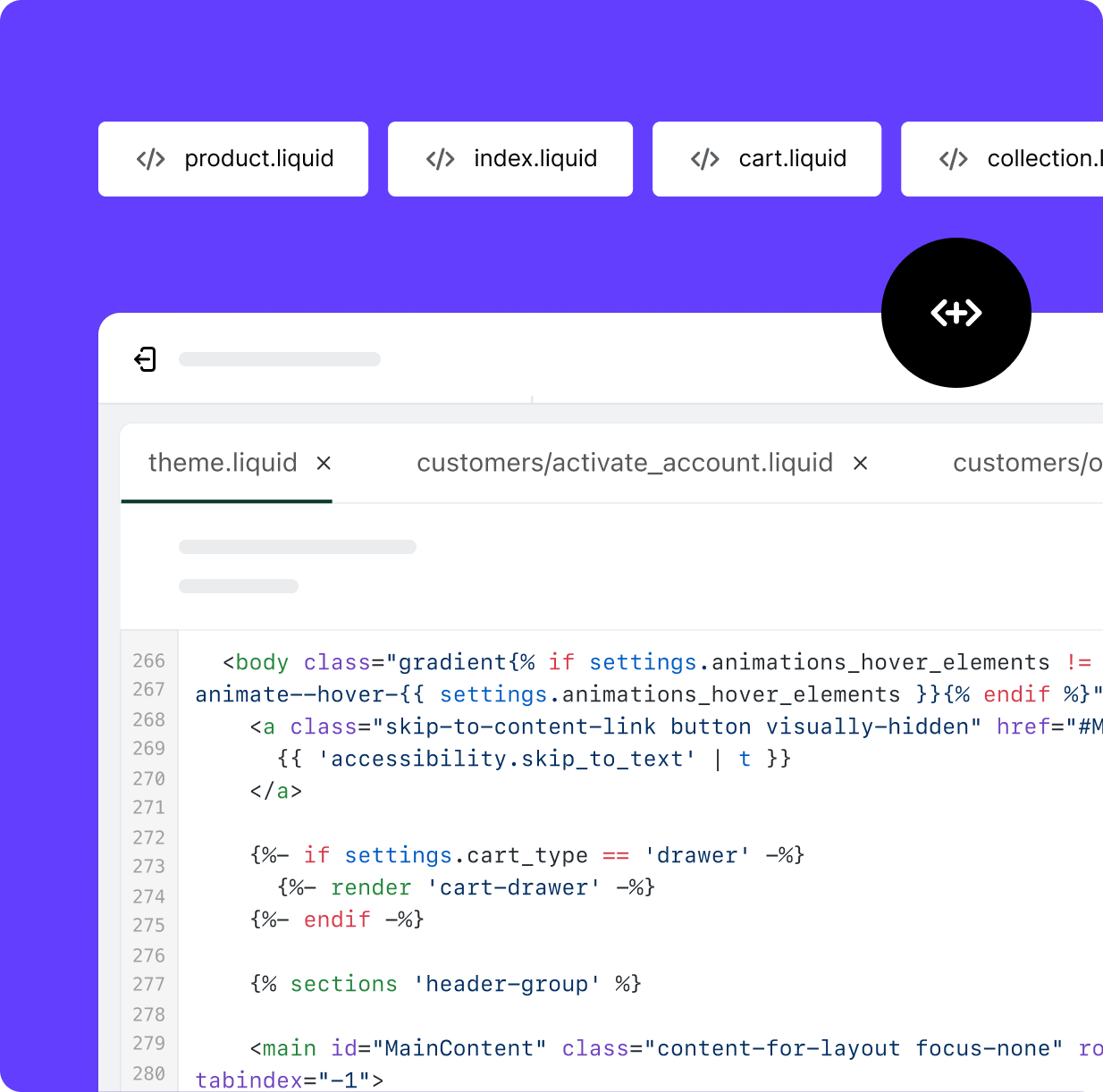
Customizing a Shopify cart drawer that was enabled via theme settings requires editing the theme’s Liquid files. The main Shopify cart drawer file in Dawn is snippets/cart-drawer.liquid. Here is what you can customize without breaking theme update compatibility:
- Background color and typography: Edit via CSS custom properties in
assets/base.css, not by hardcoding colors in the cart drawer Liquid - Checkout button text and color: Customizable via theme settings in most themes
- Header text: Change “Your cart” to “Your order” or any brand-specific label in the Liquid file
- Empty cart message: Replace the default empty cart message with a branded message and featured product or collection link
- Cart note field: Enable via theme settings to allow gift messages
For more advanced Shopify cart drawer customization, including adding a free shipping bar, upsell block, or trust badges, either use a dedicated app or commission a custom Shopify cart drawer build from a Shopify developer.
Shopify Cart Drawer Performance Considerations
A poorly built Shopify cart drawer can significantly harm your store’s performance. Common Shopify cart drawer performance issues:
- Loading all upsell product images on page load: A Shopify cart drawer should lazy-load upsell product images only when the drawer is opened, not on initial page load
- Blocking the main thread on open: The Shopify cart drawer animation should use CSS transforms, not JavaScript-driven position changes
- Re-fetching cart data on every add-to-cart: Use Shopify’s AJAX Cart API to update the Shopify cart drawer incrementally rather than re-rendering the entire drawer on each update
- App-injected scripts: Some Shopify cart drawer apps inject scripts that run on every page, not just when the drawer is open. Check your Lighthouse score before and after installing a cart drawer app
Shopify Cart Drawer: Testing and Measuring Results
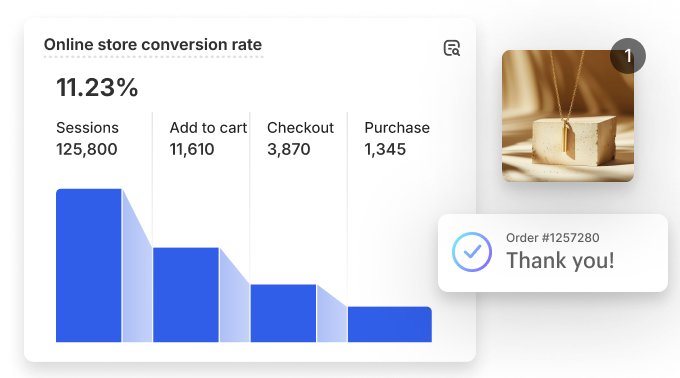
After installing or building your Shopify cart drawer, measure its impact properly before concluding it has improved conversion. Run an A/B test between the Shopify cart drawer and the standard cart page for at least two weeks with equal traffic split. The metric to measure is not just cart abandonment rate but average order value, since the Shopify cart drawer primary advantage is the ability to show upsells and free shipping progress bars that increase what customers spend before checkout.
In most Shopify cart drawer implementations, the free shipping progress bar shows the clearest measurable impact. Track the percentage of orders that reach the free shipping threshold before and after adding the Shopify cart drawer progress bar. This single element of the Shopify cart drawer typically increases the percentage of threshold-crossing orders by 15 to 25 percent within the first 30 days.
Shopify Cart Drawer Accessibility Requirements
A Shopify cart drawer must meet WCAG 2.1 AA accessibility standards to avoid excluding users with disabilities and to pass Google accessibility audit checks. Key accessibility requirements for a Shopify cart drawer: the drawer must be dismissible with the Escape key, focus must be trapped inside the Shopify cart drawer when it is open, all interactive elements must be reachable via Tab key, and a visible close button with an accessible aria-label must be present. Most Shopify cart drawer apps meet these requirements out of the box. Custom-built Shopify cart drawer implementations require these to be coded explicitly in the JavaScript and HTML.
Shopify Cart Drawer FAQ
Does every Shopify theme have a cart drawer?
No. Not all Shopify themes include a built-in Shopify cart drawer. The free Dawn theme does include a Shopify cart drawer option. Older themes from before the Online Store 2.0 update (2021) typically only have a cart page. Check your theme settings under Customize > Theme settings > Cart to see if a Shopify cart drawer option exists. If not, add one via an app or custom development.
How do I fix a Shopify cart drawer that is not opening?
A Shopify cart drawer that is not opening is usually caused by a JavaScript conflict between an app and the theme’s cart drawer script. Check the browser console for JavaScript errors and identify which script is throwing the error. Disable recently installed apps one by one to find the conflict. If using a custom Shopify cart drawer, check that the add-to-cart form uses the correct action="/cart/add" attribute and that the theme’s AJAX cart script is not being overridden by an app.
Can I add upsells inside a Shopify cart drawer without an app?
Yes, but it requires custom Liquid and JavaScript development. The in-cart upsell logic uses Shopify’s Product Recommendations API to fetch related products and renders them inside the Shopify cart drawer via an AJAX call when the drawer opens. This is a common request in custom Shopify cart drawer builds. If you do not have Liquid development skills, an app like iCart is the faster option.
How much does a custom Shopify cart drawer cost in India?
A custom Shopify cart drawer built from scratch in India costs Rs 30,000 to Rs 80,000 depending on features. A basic Shopify cart drawer with quantity updater and checkout button costs Rs 30,000. Adding a free shipping progress bar, in-cart upsell block, trust badges, and animated open/close transitions increases the cost to Rs 60,000 to Rs 80,000. Compare this to Rs 18,000 to Rs 24,000 per year for an app-based Shopify cart drawer.
Build Your Shopify Cart Drawer the Right Way
A Shopify cart drawer is one of the highest-ROI investments you can make in your Shopify store because it sits at the last touchpoint before checkout. Every improvement to your Shopify cart drawer, whether a free shipping bar, an upsell, or better mobile UX, pays dividends on every single transaction.
If you want a custom Shopify cart drawer built to match your brand design with upsells and a free shipping bar, request a free store audit from CrestVox. We will review your current cart experience and recommend the best approach for your store.
Sources: Shopify AJAX Cart API Documentation, Slide Cart Drawer by AMP on Shopify App Store. AOV improvement data from Shopify Partner case studies 2024 to 2025.