

source on Google
Shopify speed optimization is the process of improving your Shopify store’s load time, Google Lighthouse score, and Core Web Vitals to reduce bounce rate, improve SEO ranking, and increase conversion rate. A one-second improvement in mobile load time increases ecommerce conversion by 20 percent. In India, where 70 percent of Shopify traffic comes from mobile devices on 4G connections, Shopify speed optimization is not a nice-to-have but a direct revenue driver.
This guide covers the complete Shopify speed optimization process for 2026: how to measure your current performance, the most common causes of slow Shopify stores, how to fix each one, and how much professional Shopify speed optimization costs in India.
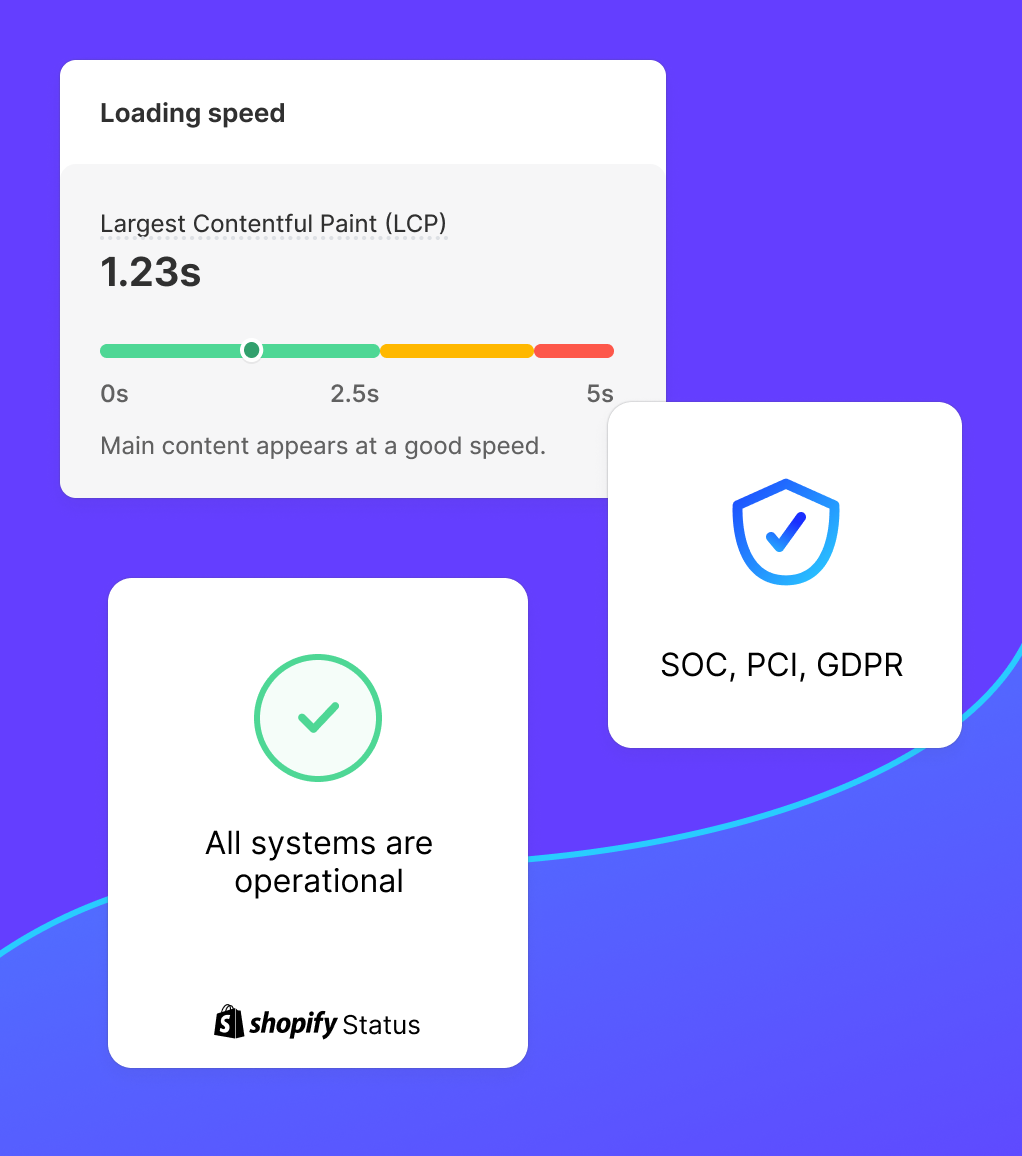
Why Shopify Speed Optimization Matters More in India
Indian ecommerce traffic is characterized by high mobile share (above 70 percent), mid-range Android devices with 2 to 4GB RAM, and 4G connections that can vary between 5 Mbps and 25 Mbps depending on location and time of day. A Shopify store optimized on a MacBook over WiFi can load in 1 second locally and 5 seconds for an actual Indian customer on a Redmi Note in Tier 2 city.
Shopify speed optimization for India means testing on real mid-range Android devices, not desktop browser simulation, and targeting load times under 2 seconds on a 4G connection. Without India-specific Shopify speed optimization, you are optimizing for the wrong device and losing conversions to faster competitors every day.
How to Measure Shopify Speed Optimization Progress
Before starting any Shopify speed optimization work, establish a baseline. Use these tools:
- Google PageSpeed Insights: Free, measures real-world Core Web Vitals and provides specific Shopify speed optimization recommendations. Test the homepage, best-selling product page, and main collection page.
- GTmetrix: Shows waterfall chart of all requests, helping identify which scripts are causing the most Shopify speed optimization issues.
- Shopify Admin Online Store Speed: Shopify’s built-in speed score under Online Store > Themes provides a relative benchmark against other Shopify stores, though it is less detailed than PageSpeed Insights for Shopify speed optimization diagnosis.
Record your baseline scores before any Shopify speed optimization change and measure again after each fix. This makes it easy to identify which Shopify speed optimization changes had the most impact and to stop if a change makes things worse.
Core Web Vitals Targets for Shopify Speed Optimization
CrestVox Studio
Looking for a Shopify Expert in India?
We build high-converting Shopify stores for brands in India and globally. Custom themes, cart optimization, checkout extensibility, and speed fixes handled end to end. No templates. No shortcuts.
Google’s Core Web Vitals are the primary metrics that Shopify speed optimization should target. They directly affect both Google rankings and user experience:
| Core Web Vital | Good | Needs Improvement | Poor | Shopify Speed Optimization Target |
|---|---|---|---|---|
| Largest Contentful Paint (LCP) | Under 2.5s | 2.5s to 4s | Over 4s | Under 1.8s on mobile |
| Cumulative Layout Shift (CLS) | Under 0.1 | 0.1 to 0.25 | Over 0.25 | Under 0.05 |
| Interaction to Next Paint (INP) | Under 200ms | 200ms to 500ms | Over 500ms | Under 150ms |
| First Contentful Paint (FCP) | Under 1.8s | 1.8s to 3s | Over 3s | Under 1.2s on mobile |
In Shopify speed optimization, LCP and CLS are the two metrics that most commonly fail. LCP fails because the hero image is too large or not preloaded. CLS fails because images are missing width and height attributes, causing the page layout to shift as images load. Fixing these two metrics alone typically moves a Shopify store from a failing to a passing Core Web Vitals score.
The #1 Shopify Speed Optimization Problem: App JavaScript Bloat
App JavaScript is responsible for the majority of Shopify speed optimization problems in established stores. Every app you install injects scripts into your store. Many apps inject these scripts on every page, even pages where the app is not active. Here is the typical Shopify speed optimization impact of common app categories:
| App Type | Typical JS Added | Lighthouse Impact | Shopify Speed Optimization Action |
|---|---|---|---|
| Reviews app (loaded globally) | 60 to 120KB | Minus 5 to 10 points | Load only on product pages |
| Live chat widget | 80 to 200KB | Minus 8 to 15 points | Defer until after page load |
| Loyalty/rewards app | 50 to 100KB | Minus 5 to 8 points | Load only on account pages |
| Currency converter | 40 to 80KB | Minus 3 to 6 points | Remove if India-only store |
| Wishllist app | 30 to 60KB | Minus 3 to 5 points | Native Shopify metafields alternative |
| Size guide popup | 20 to 40KB | Minus 2 to 4 points | Embed as section, remove app |
For most Shopify stores, the highest-ROI Shopify speed optimization action is auditing installed apps and removing or replacing ones that inject scripts globally. A typical Shopify store audit finds 3 to 6 apps that can be removed without loss of functionality, often because: the app is no longer in use, the functionality was replaced by another app, or Shopify now offers the feature natively (wishlists, back-in-stock alerts, etc.).
Image Optimization: The Easiest Shopify Speed Optimization Win
Images account for 40 to 70 percent of total page weight on most Shopify stores. Image optimization is the easiest high-impact Shopify speed optimization task because Shopify handles image CDN delivery automatically, meaning your only job is to upload correctly sized and compressed images.
Hero and Banner Images
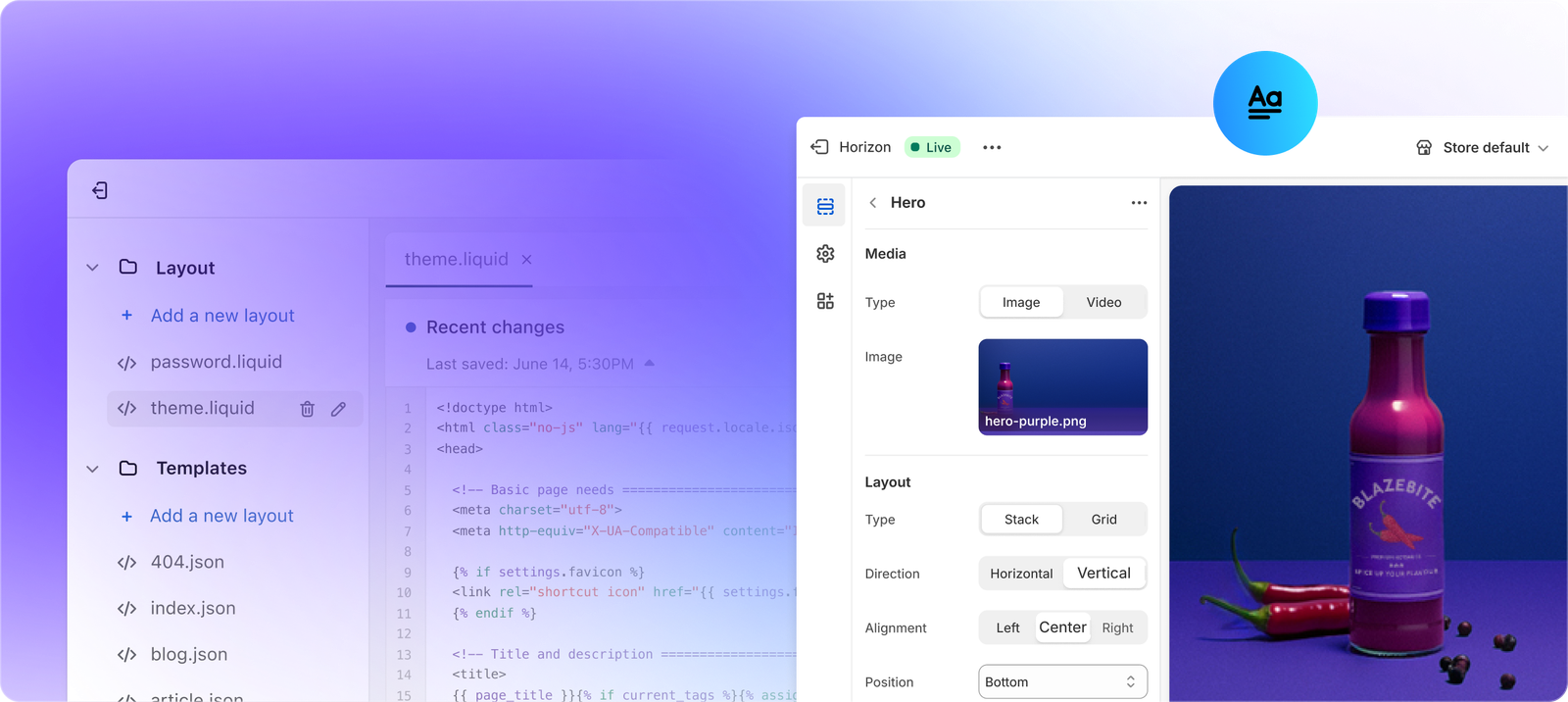
The hero image is almost always the LCP element, the largest visible element when the page first loads. For Shopify speed optimization, the hero image should be under 200KB, in JPEG or WebP format, and explicitly preloaded in the theme’s theme.liquid with a rel="preload" link tag. Shopify automatically serves WebP format when the browser supports it via its CDN, so you only need to upload JPEG and Shopify handles the conversion.
Product and Collection Images
For Shopify speed optimization on collection pages and product pages: use 2000px wide JPEG images for product photos (Shopify’s CDN scales them down automatically for different contexts), enable lazy loading in theme settings (most modern themes support this), and always include explicit width and height attributes in image tags to prevent CLS.
GIF Replacement
GIFs are the worst-performing image format for Shopify speed optimization. A GIF that is 2MB can be replaced with an equivalent MP4 video that is 200KB. Shopify supports inline video in theme sections. Every GIF used in your theme’s design elements is a Shopify speed optimization opportunity.
Shopify Speed Optimization Checklist (Prioritized by Impact)
Use this Shopify speed optimization checklist ordered from highest to lowest expected impact:
| Shopify Speed Optimization Task | Difficulty | Expected Lighthouse Gain |
|---|---|---|
| Compress all hero and banner images under 200KB | Easy | Plus 5 to 15 points |
| Enable lazy loading for below-fold images | Easy (theme setting) | Plus 3 to 8 points |
| Uninstall unused apps (remove their scripts) | Easy | Plus 5 to 20 points |
| Add width and height attributes to all img tags | Medium | Plus 3 to 8 points (CLS fix) |
| Defer third-party scripts (chat, analytics) via async | Medium | Plus 5 to 15 points |
| Remove render-blocking CSS | Hard (developer needed) | Plus 5 to 10 points |
| Preload LCP image (hero banner) | Medium | Plus 5 to 12 points LCP fix |
| Self-host Google Fonts instead of CDN link | Medium | Plus 2 to 5 points |
Advanced Shopify Speed Optimization: Theme Code
Once images and app scripts are optimized, advanced Shopify speed optimization requires editing theme code. These are the most impactful theme-level changes:
Defer Third-Party Scripts
Scripts from third-party services including Google Analytics, Meta Pixel, Hotjar, and app widgets block the main thread during page load. For Shopify speed optimization, load these scripts with the defer attribute or load them only after the main thread is idle using the requestIdleCallback API. This is particularly important for Indian mobile users where the main thread is slower due to less powerful CPUs.
Remove Unused CSS
Shopify themes ship with CSS for all possible section types. If you are only using 10 sections out of 30 available, you are loading CSS for 20 sections you never use. Advanced Shopify speed optimization involves using PurgeCSS or manual removal to eliminate unused CSS rules from the theme stylesheet, reducing the CSS payload by 30 to 60 percent in many cases.
Critical CSS Inlining
For the most aggressive Shopify speed optimization, inline the CSS needed for above-the-fold content directly in the head tag and load the full stylesheet asynchronously. This eliminates the render-blocking CSS issue entirely and can improve LCP by 0.5 to 1.5 seconds on mobile. This is developer-intensive Shopify speed optimization work but produces measurable gains for high-traffic stores.
Shopify Speed Optimization Cost in India (2026)
- DIY audit and image optimization: Free (your time + free tools)
- Freelancer Shopify speed optimization (basic): Rs 10,000 to Rs 25,000. Covers image optimization, unused app removal, and basic script deferral.
- Agency Shopify speed optimization (full): Rs 25,000 to Rs 60,000. Covers everything above plus theme code optimization, critical CSS, and Core Web Vitals targeting.
- Ongoing Shopify speed optimization retainer: Rs 8,000 to Rs 20,000 per month. Monitors performance, fixes regressions from theme updates and new app installs, and keeps Lighthouse score above target.
Shopify Speed Optimization: Monitoring After Launch
Shopify speed optimization is not a one-time project. Every new app you install, every theme update you apply, and every marketing pixel you add is a potential performance regression. Stores that maintain fast load times implement a Shopify speed optimization monitoring routine: run PageSpeed Insights on the homepage and product page after every significant change, set up a Google Search Console Core Web Vitals alert to notify you when field data worsens, and include a Shopify speed optimization check in your monthly store maintenance routine.
For Indian ecommerce stores running marketing campaigns on Meta or Google Ads, Shopify speed optimization directly affects your Quality Score and Cost Per Click. Landing pages that load under 2 seconds on mobile receive better Quality Scores from Google, which reduces the CPC for the same ad position. A Shopify speed optimization investment that improves mobile load time from 4 seconds to 1.8 seconds can reduce ad CPC by 15 to 25 percent, paying for itself within a single campaign.
Shopify Speed Optimization FAQ
What is a good Shopify speed score?
Shopify’s own admin speed score above 50 out of 100 is considered average. For Shopify speed optimization, target above 70 on Shopify’s speed score and above 70 on Google PageSpeed Insights mobile score. Top-performing Shopify stores after full Shopify speed optimization typically score 80 to 90 on PageSpeed mobile and load their product page in under 2 seconds on 4G mobile.
Does removing apps improve Shopify speed?
Yes, removing unused apps is the fastest and most impactful Shopify speed optimization action for most stores. Each app removed eliminates its JavaScript, CSS, and API calls from every page load. In our Shopify speed optimization experience, removing 3 to 5 unused apps typically improves PageSpeed mobile score by 10 to 25 points within 24 hours of removal.
Does Shopify speed optimization affect SEO?
Yes. Google uses Core Web Vitals as a ranking signal. Pages that pass the Core Web Vitals assessment are given a ranking boost over pages that fail, when all other SEO factors are equal. Shopify speed optimization that improves your LCP, CLS, and INP scores directly improves your Google ranking eligibility. For competitive categories, Shopify speed optimization is one of the most impactful technical SEO investments available.
Why does my Shopify store score differently on desktop vs mobile?
PageSpeed Insights simulates a throttled 4G mobile connection with a mid-range Android device CPU for mobile scores, and a fast broadband connection with a modern CPU for desktop. Mobile scores are always lower than desktop scores and are the number that matters for Shopify speed optimization because most ecommerce traffic is mobile. Always optimize for mobile Lighthouse score first, not desktop, when prioritizing Shopify speed optimization tasks.
Get a Fast Shopify Store in 2026
Shopify speed optimization is not a one-time task. Every theme update, new app install, and marketing pixel you add is a potential performance regression. Stores that maintain fast load times do so through regular Shopify speed optimization monitoring, not a single fix-and-forget sprint.
If you want a professional Shopify speed optimization audit with a prioritized fix list and a target Lighthouse score guarantee, request a free store audit from CrestVox. We run PageSpeed diagnostics on your three most important pages and show you the top five Shopify speed optimization opportunities in 48 hours.
Sources: Google Core Web Vitals, Google PageSpeed Insights, Shopify Online Store Speed Guide. Conversion rate data from Deloitte Digital study on mobile speed and conversion, 2024.